Get the power you need to grow your business!
You’re one step away from booking a FREE live demo of an all-in-one Transport Management Solution!

Monday to Friday: 8:30am - 5:00pm

Quick and easy template-based load entry.
Fast truck dispatch, custom workflows, and live GPS tracking.
Real-time delivery updates and one-click invoicing.
Flexible settlements for drivers & third-party carriers.

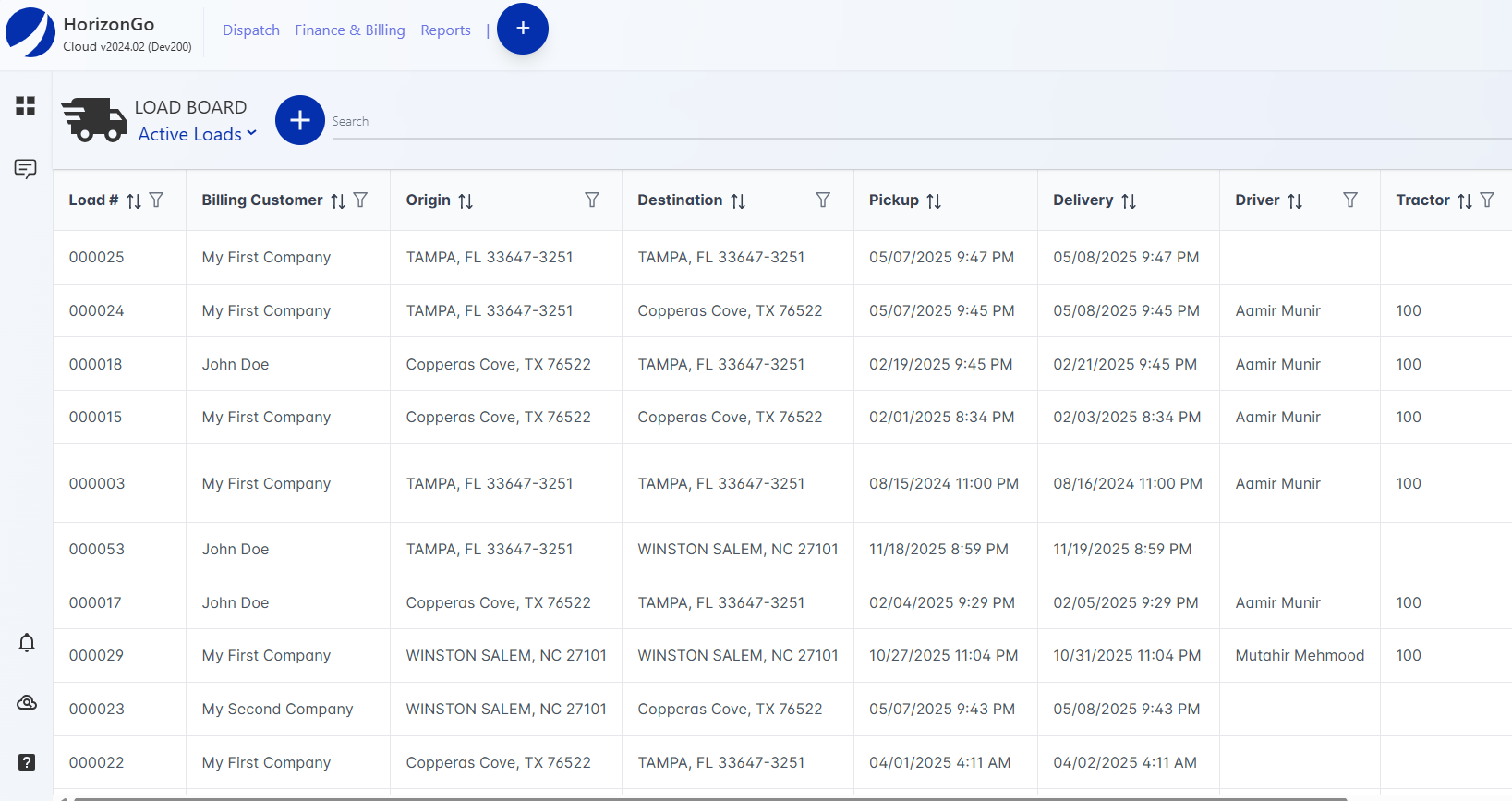
A dispatcher or data entry team enters the order in the TMS.
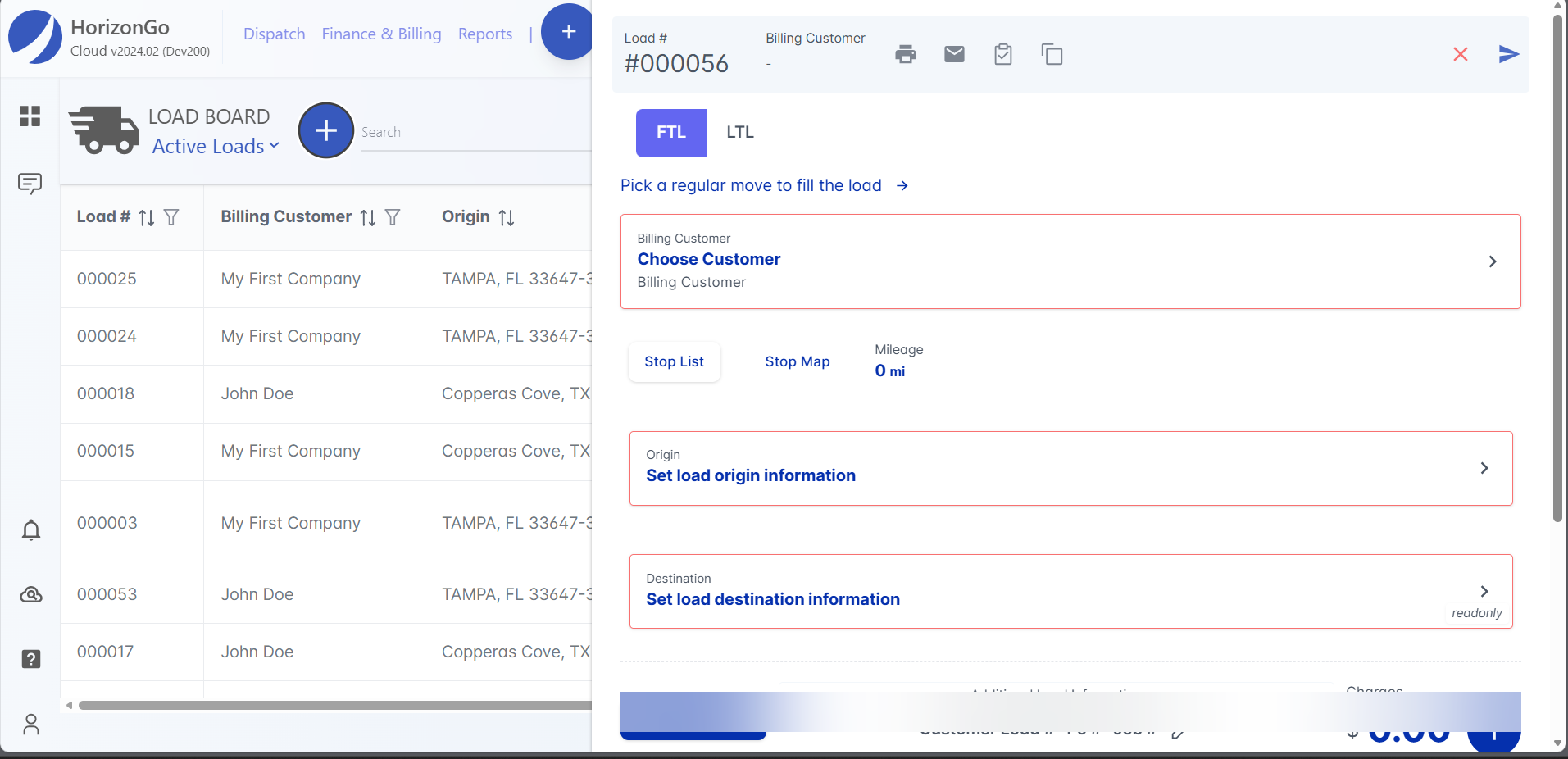
Just type in your addresses or tap the locations on the map, and HorizonGO will calculate the miles and create the best route for you quick & easy.
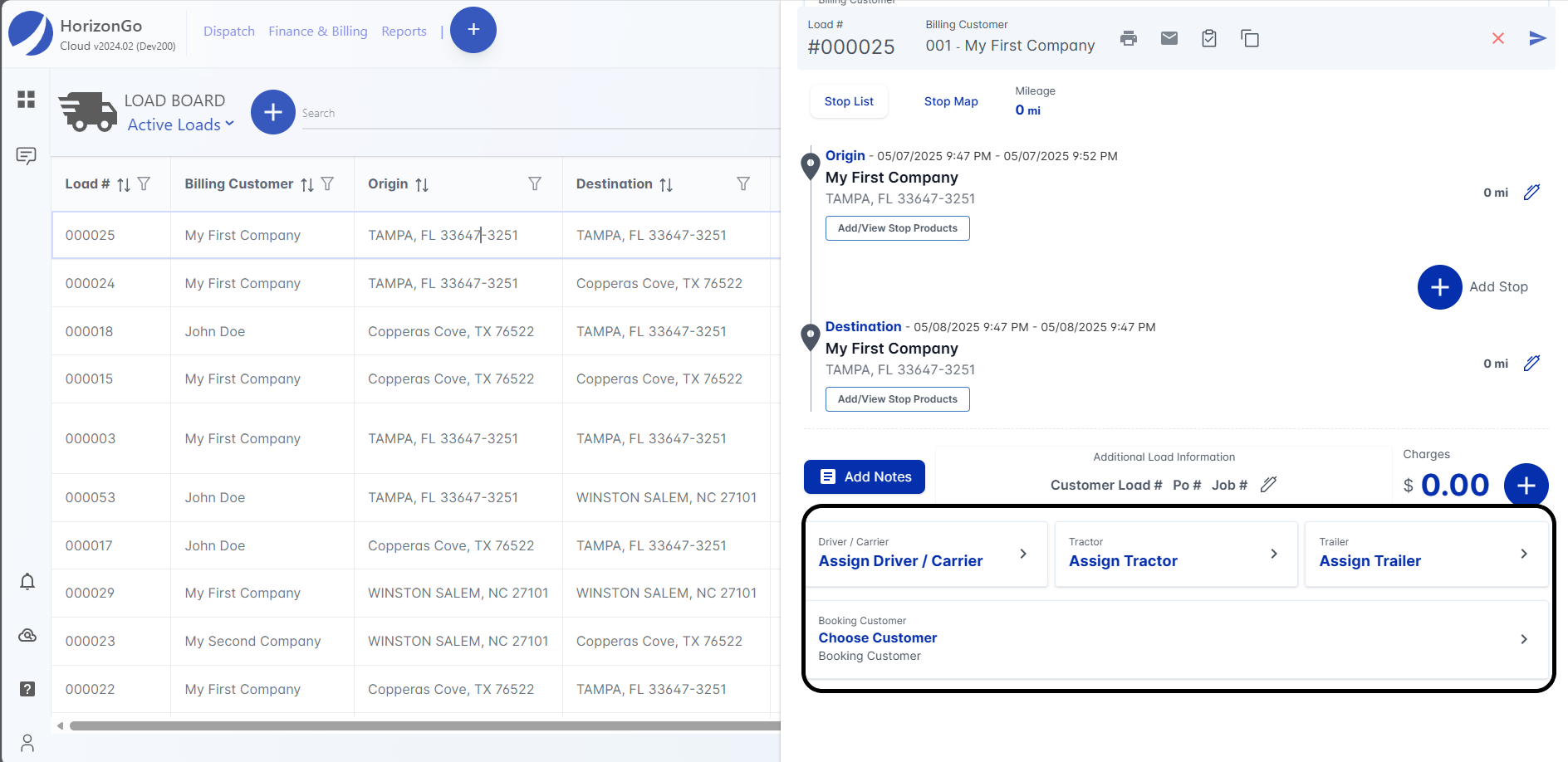
Choose the Driver, Tractor, and Trailer for the load added.
Click Save Load.
HorizonGO creates a unique load number# and sends all the details straight to the HorizonGO Connect( our Driver's application)
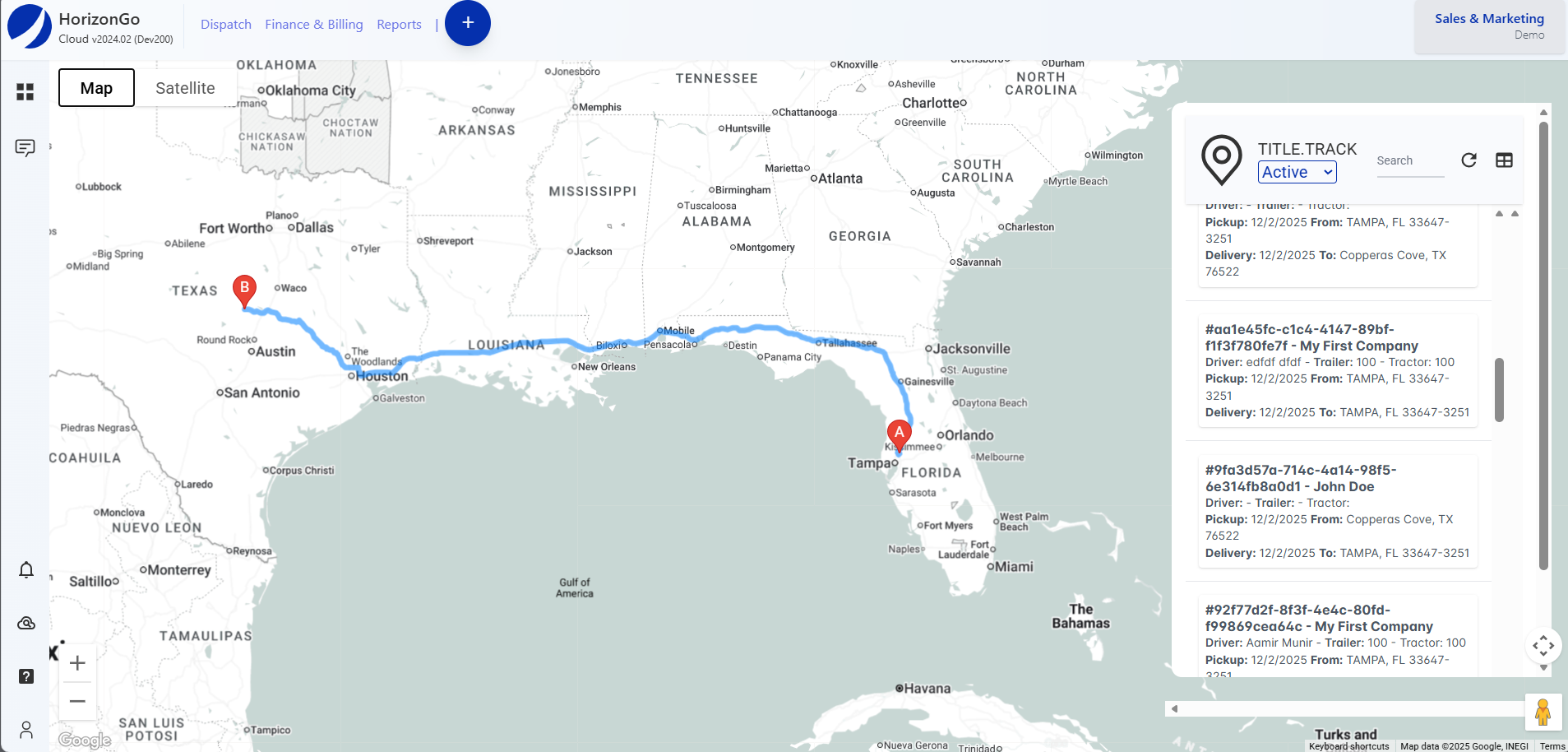
Your driver picks up the shipment, leaves the pickup location, and heads to the delivery spot. Once the delivery is done, they tap “I have completed this event” in the app, so the team knows right away.
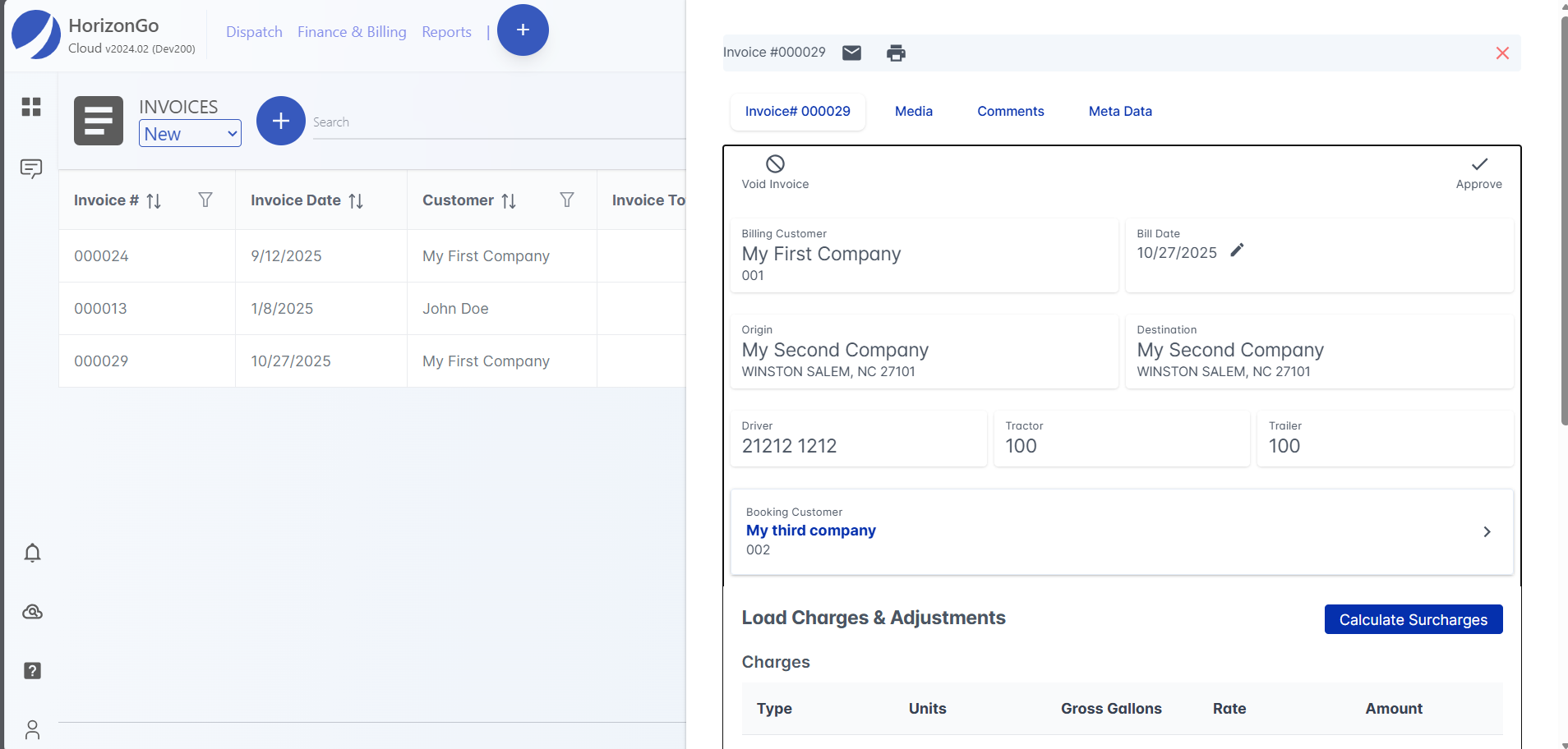
After delivery, HorizonGO automatically attaches all receipts and documents to the shipment and invoice. The invoice is then sent to the customer right away. The system also lets your team double-check invoices with “Approved” and “Billed” status, making it easy to keep everything organized and visible.
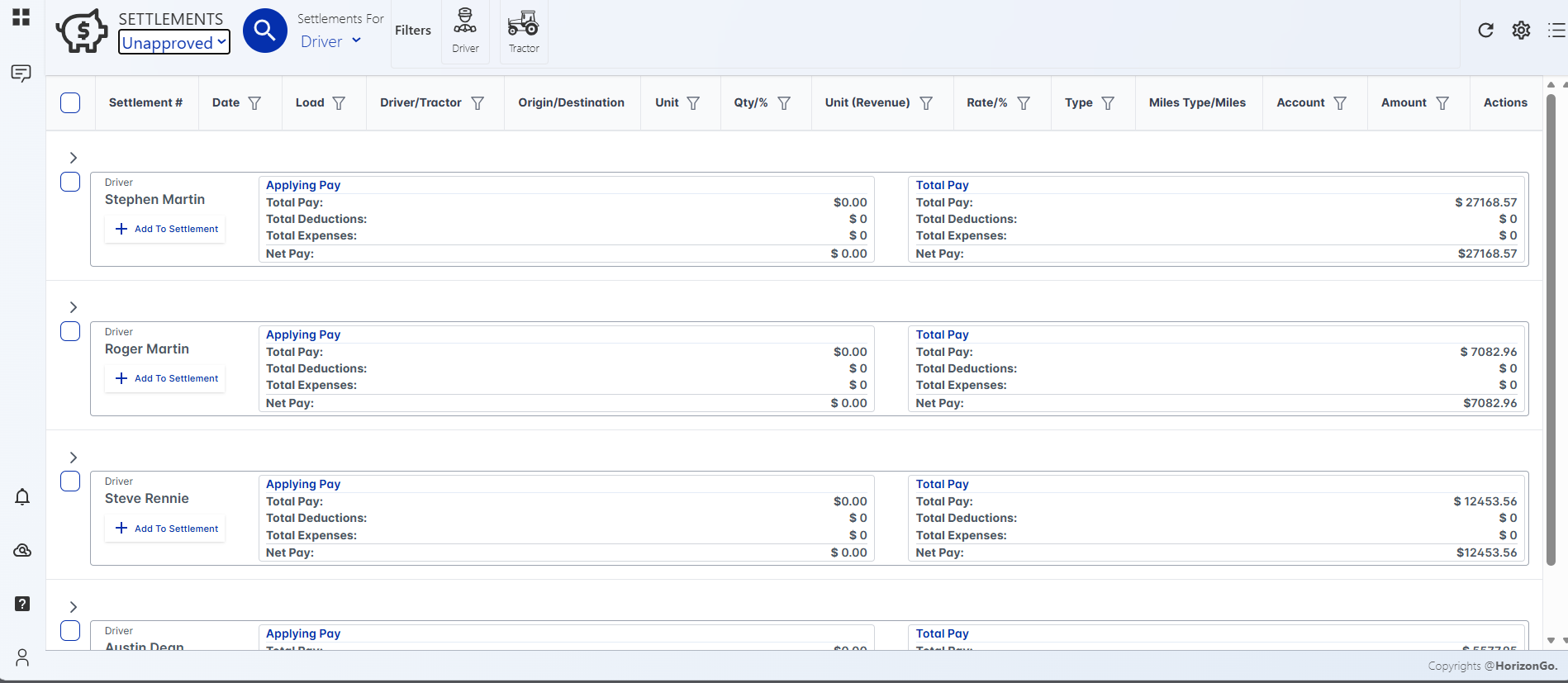
After billing, HorizonGO collects all delivery details and receipts to create a driver settlement record. Back-office staff review and approve it, then the payment is sent automatically through the integrated accounting software. Drivers are notified immediately, keeping everything simple and accurate.
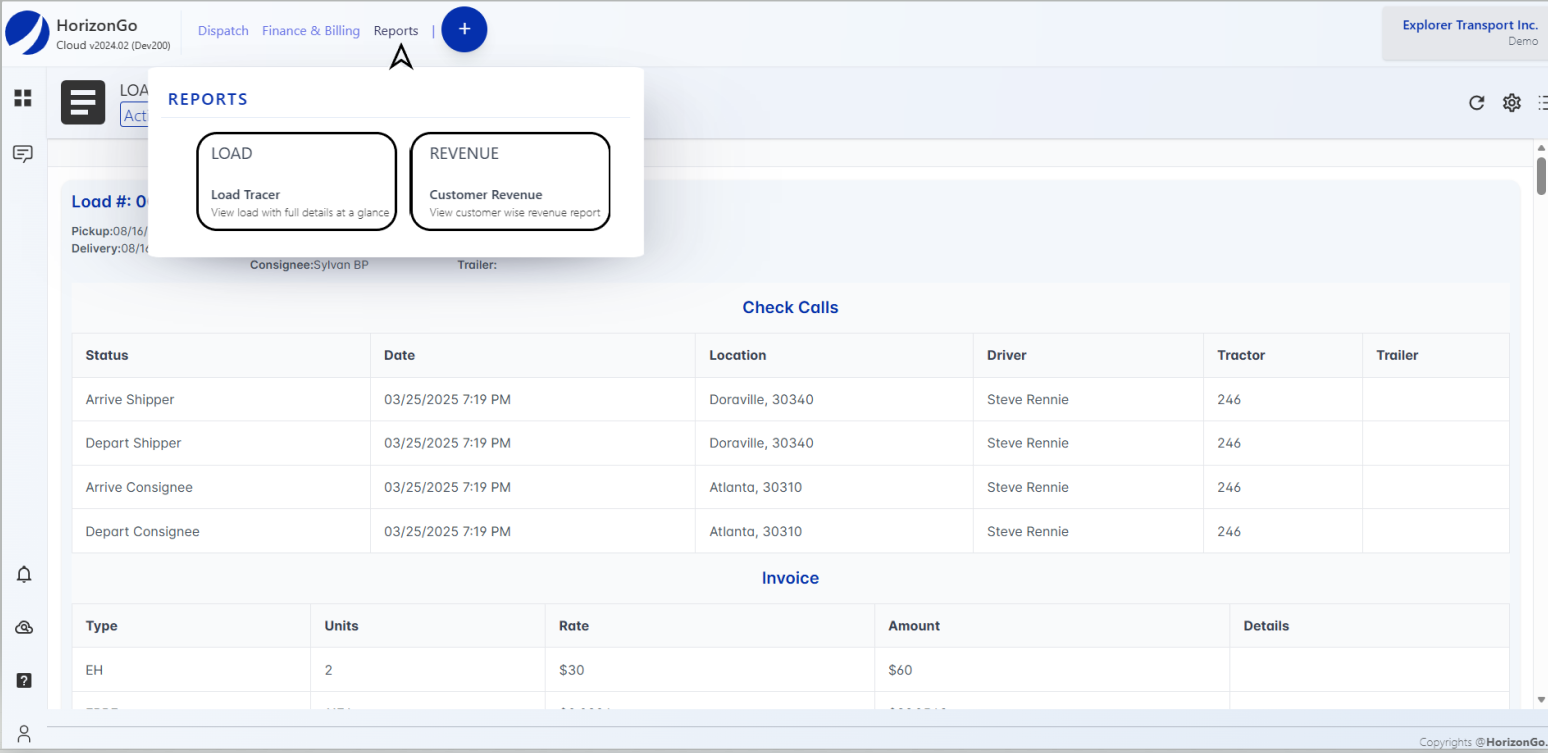
HorizonGO TMS reporting covers every part of your trucking operation, from loads and dispatches to billing, settlements, and driver performance. Track revenue, expenses, and trends in real time, so you always know how your business is doing and where you can improve.